
1. Capture it your way.
Use the built-in calculator or optional Wallet automation. You control what Shortcuts sends.
Private expense tracking for iPhone, with optional Apple Wallet automation through Shortcuts.

Add an expense manually or let a personal Wallet automation in Shortcuts pass selected fields. Cèntim never reads Wallet or connects to your bank.
Use the built-in calculator or optional Wallet automation. You control what Shortcuts sends.
Search and filter by period, category or review status. Expenses needing review wait in one queue.
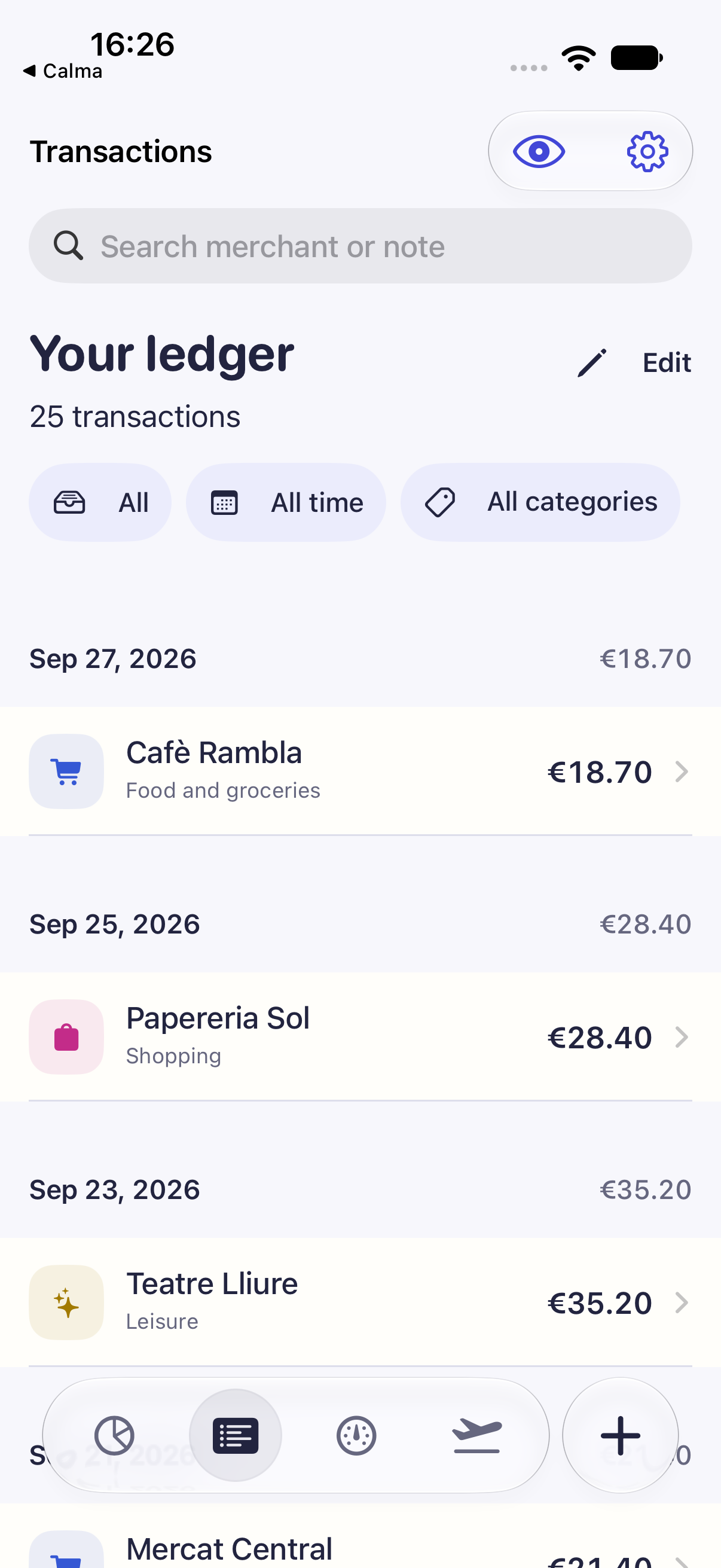
Confirm a merchant’s category and Cèntim can use it for future captures without rewriting history.
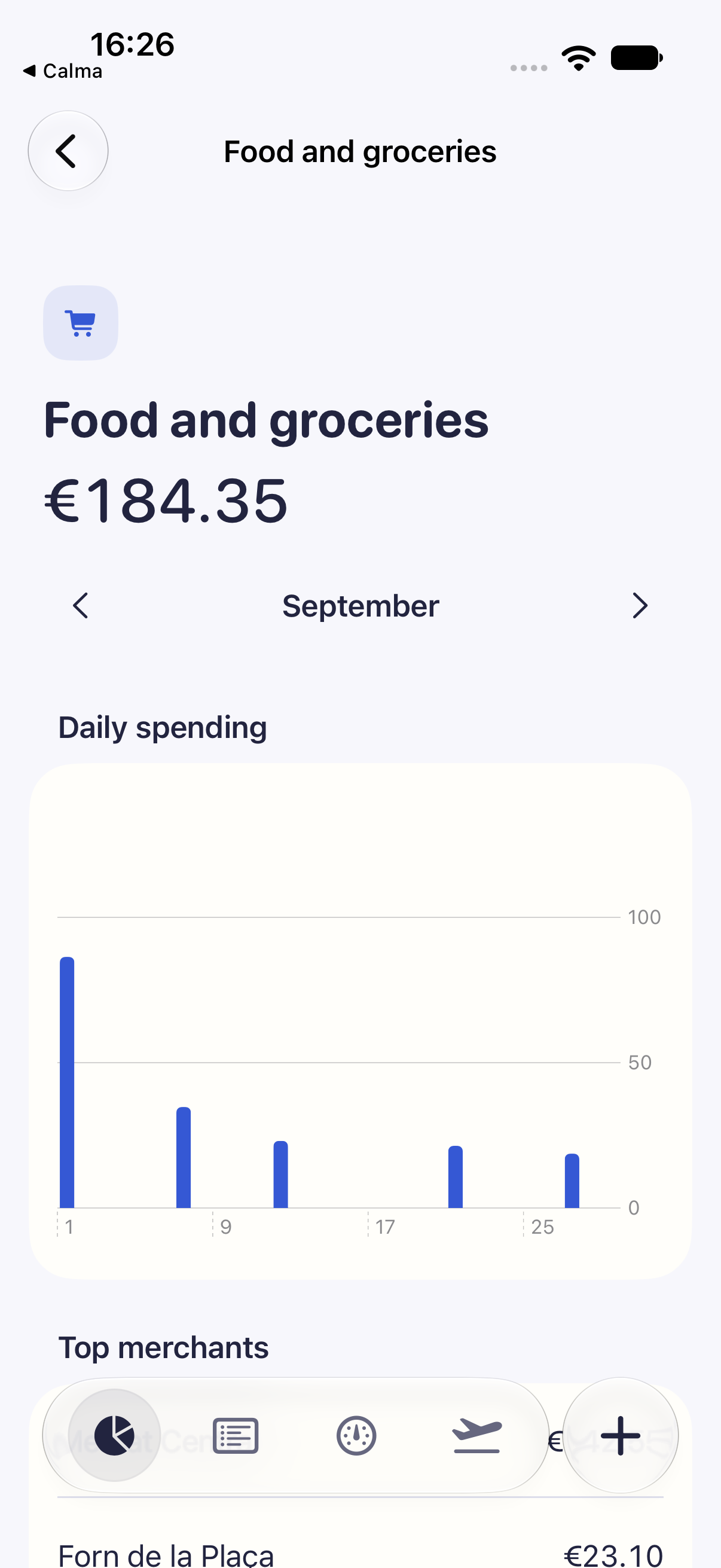
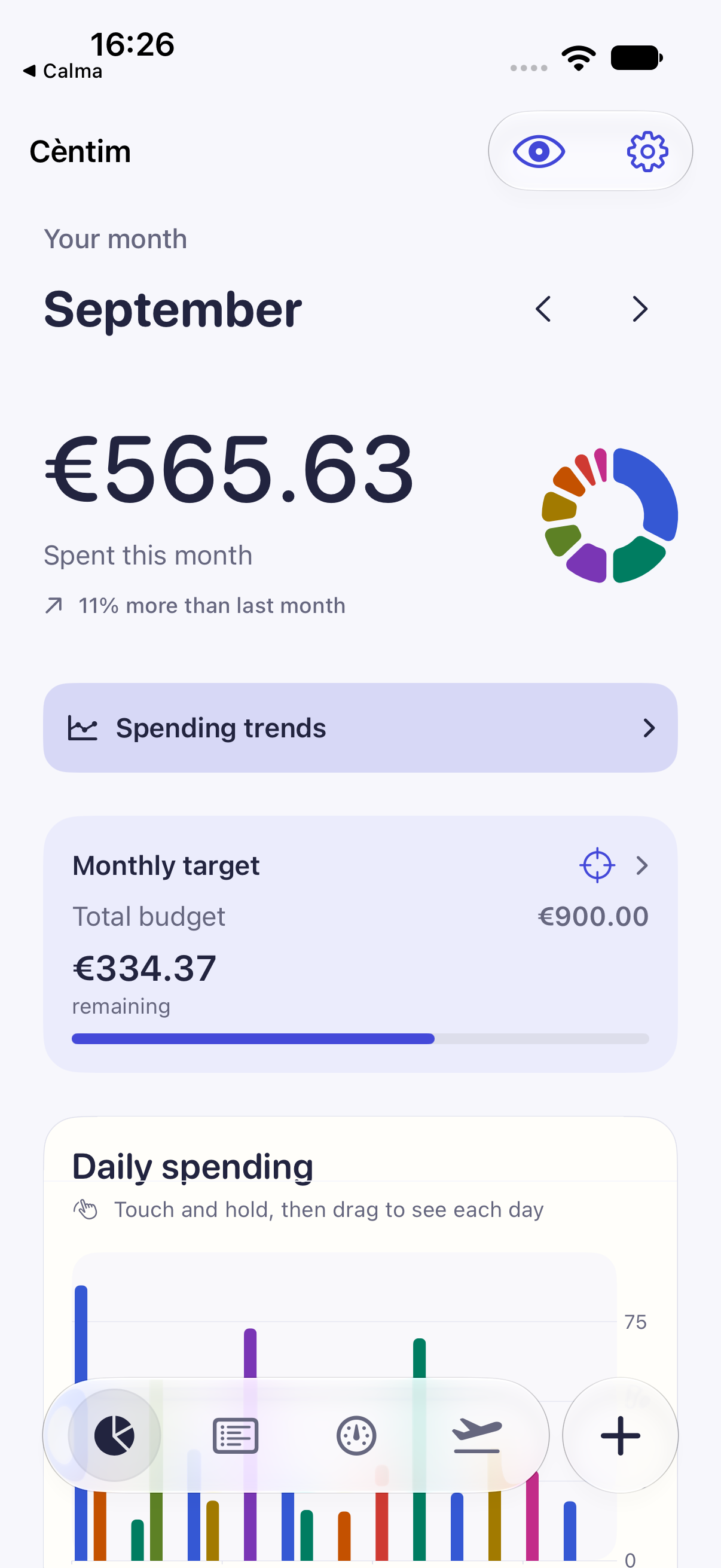
Start with the total, then inspect what shaped it—from individual days to budgets and longer-term trends.
Compare with the previous month or open a 6- or 12-month trend.
Tap daily or category charts for the exact value.
Set a monthly target plus category and Wallet-card limits, per currency.
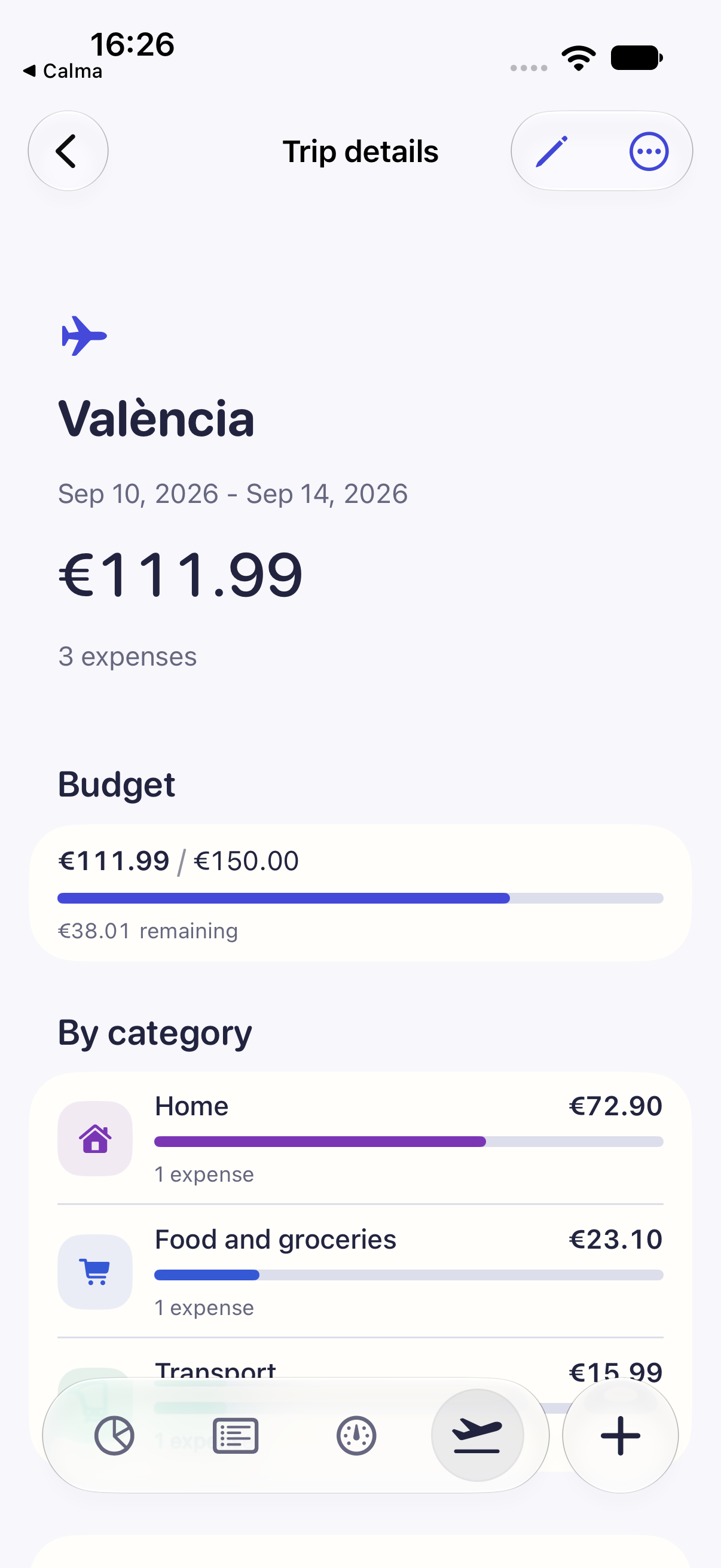
Group travel automatically, make exceptions, and keep currencies separate.
Widgets, optional app lock and native controls. Advanced workflows stay clear.
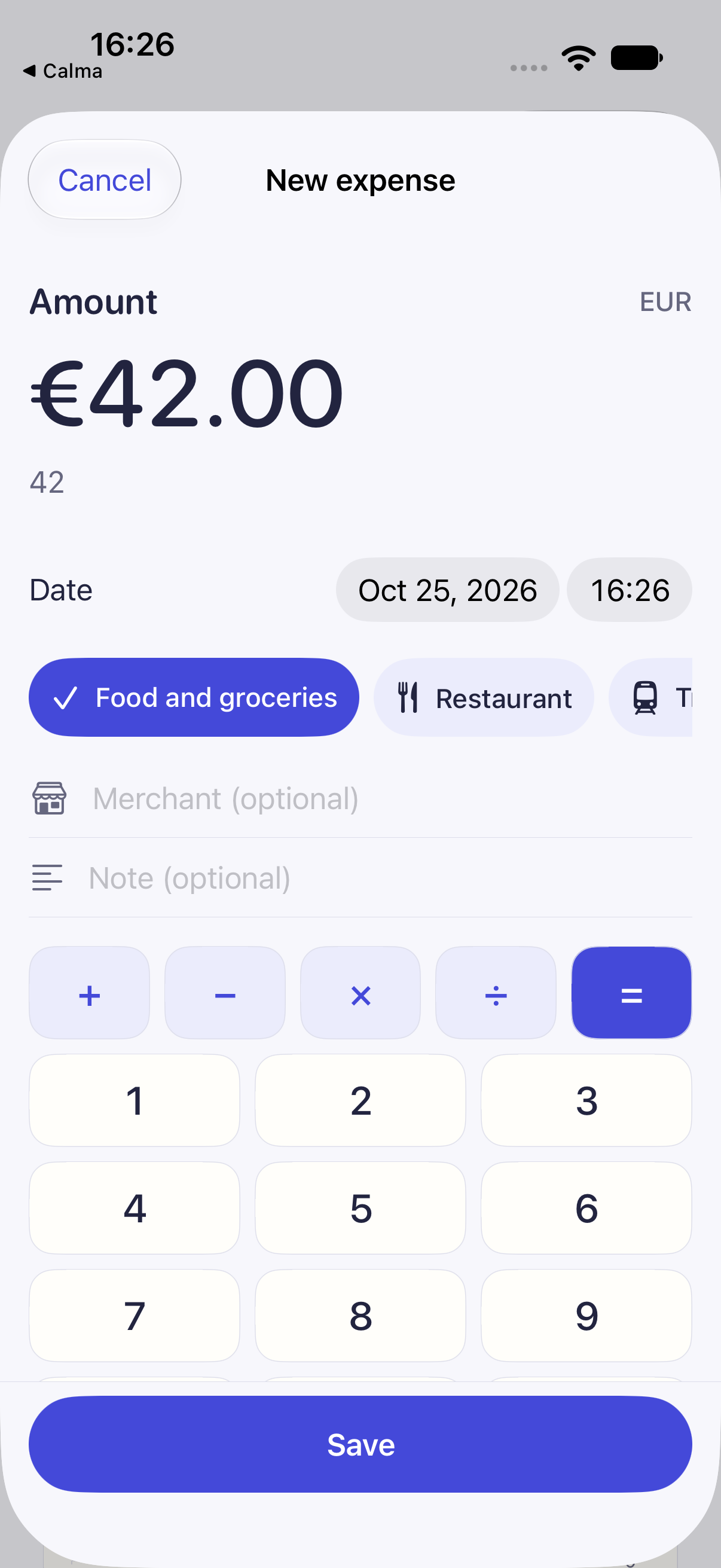
Calculate and recover an unfinished draft.
Split equally or set your share; a card rule can automate 50/50.
Group expenses by travel dates, then include or exclude exceptions.
Schedule fixed charges or review variable estimates before confirming them.
Restore an earlier version or recover a deleted expense.
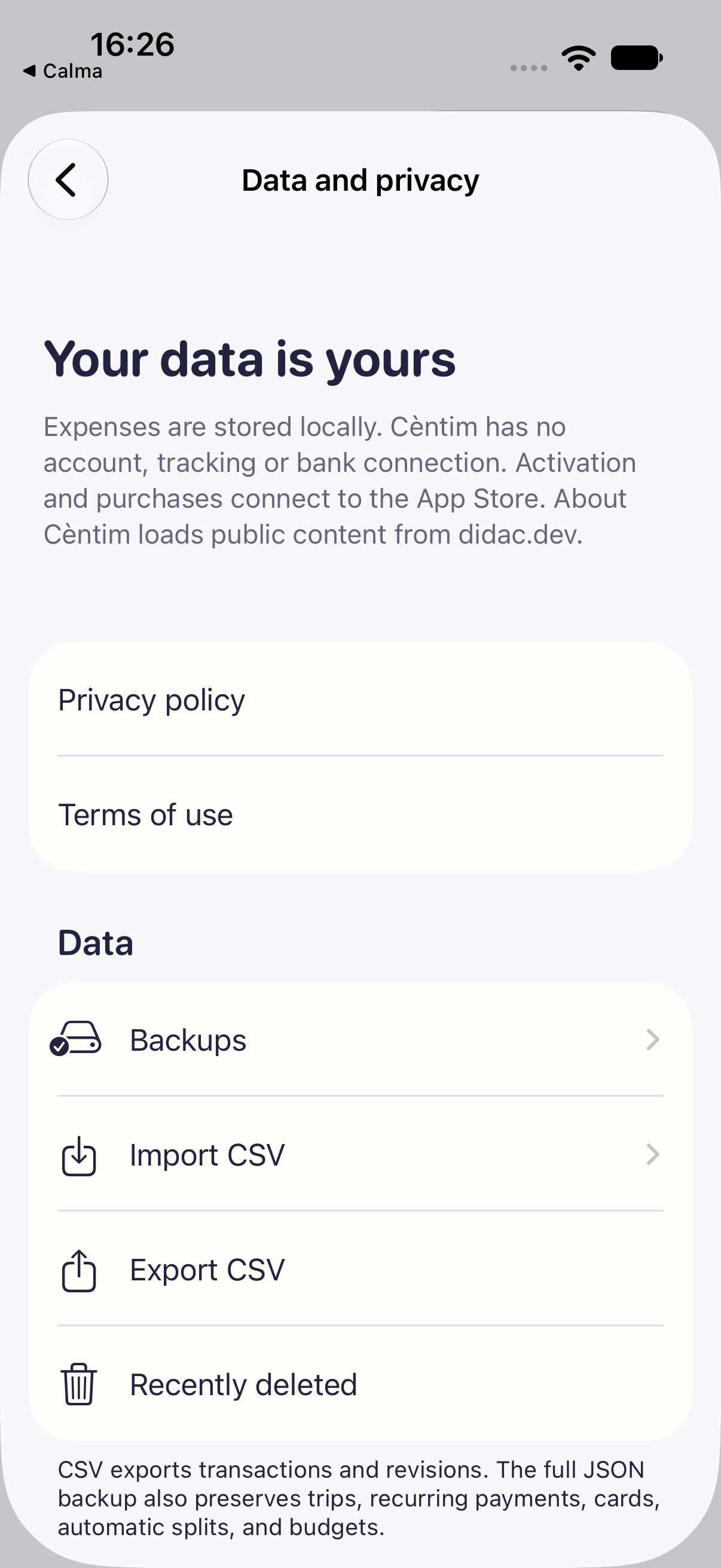
The ledger is local by design, not a cloud account with a privacy promise.
Import mapped CSV, export filtered CSV, or create a full local backup. Exported files contain real personal data and are not encrypted.
Start the full free trial through the App Store when you are ready.
Keep adding and changing expenses with one purchase at the price shown in your local App Store.
Activation, purchases and restoring purchases require an Apple connection. No subscription or automatic charge; after access ends, history and exports stay readable.
See the month clearly without putting your financial life on another server.